
About
A library of 3D-printed projects with manuals
Slicebuild exists because a zip of STLs is not a build. Functional machines need parts, vitamins, print notes, and a manual that can survive contact with a real bench.
Slicebuild is for functional, multipart 3D-printed machines — printers, fixtures, robotics, lab tools — where the file dump is not enough. The product is the project record: geometry, vitamins, print notes, and the assembly instructions in one place.
It is not a marketplace for trinkets, and it is not a replacement for CAD. Designers keep their source. Slicebuild is how that design is handed to someone with a printer, a bag of fasteners, and an evening at the bench. Create an account, upload STLs, write the steps, and publish when the manual can stand on its own.
Public pages are meant to be found. Explore and the sitemap only list published projects. Drafts stay in Studio until you hit publish.
Three ways in
Builders
Follow a published machine with a bill of materials and step-by-step assembly instructions.
Creators
Publish a revisioned project so the manual ships with the files.
How it works
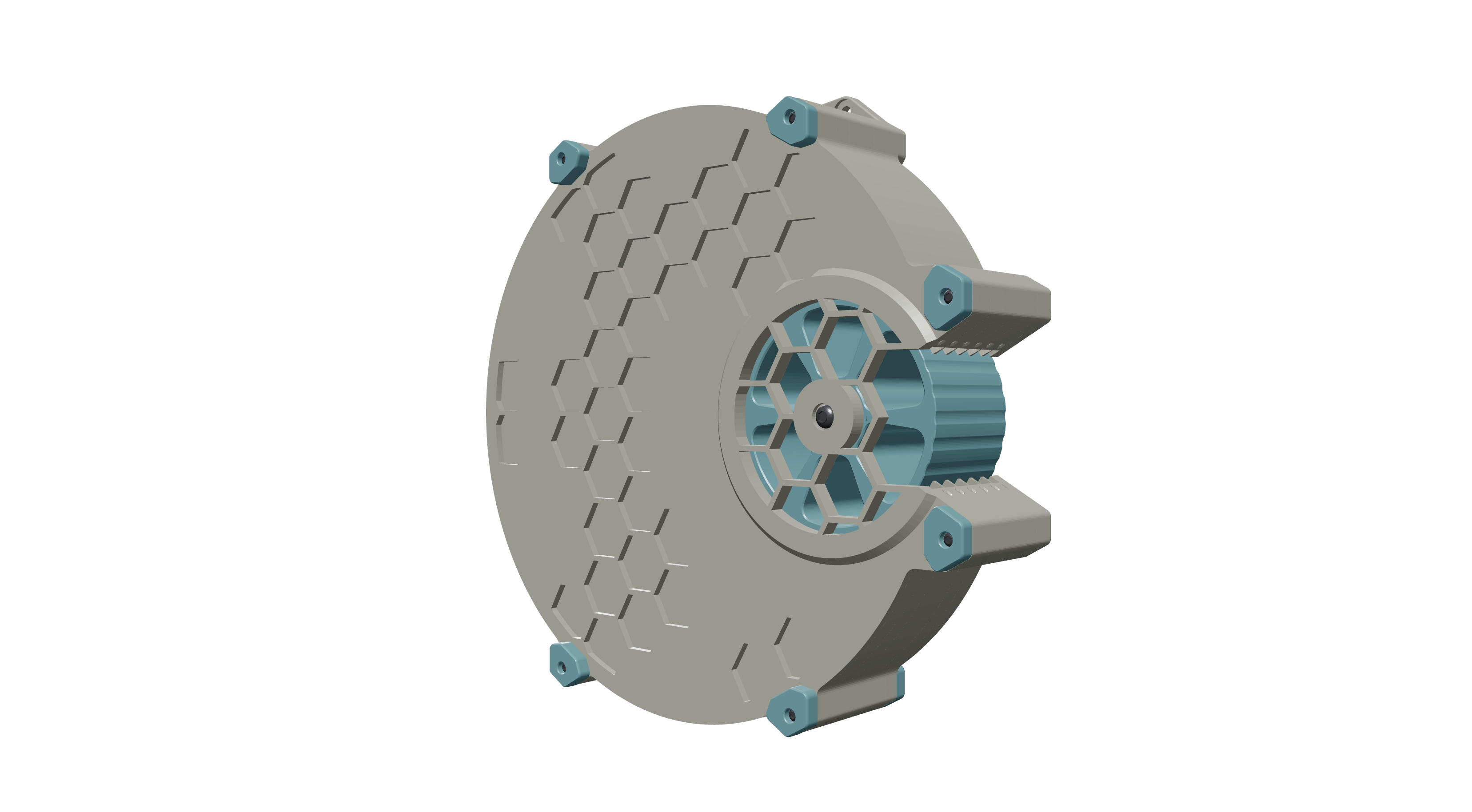
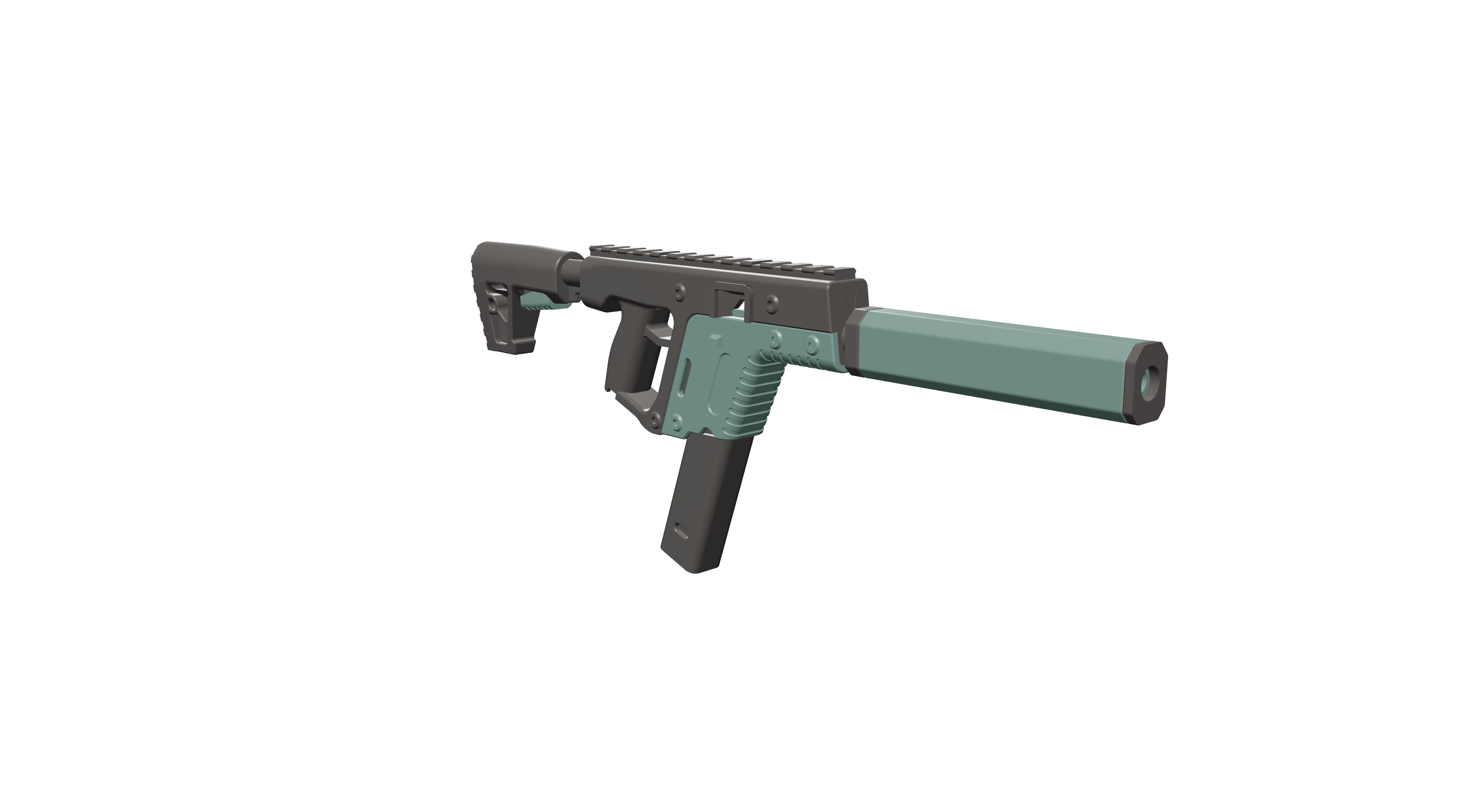
The four pieces of a Slicebuild project, from STLs to a public URL.
Have a multipart print sitting in a zip?
Makers: create an account, upload the STLs, and write the assembly instructions in Studio. Publishing puts a real manual on the public web.